
- -11%
- New

onsale

In Stock

In Stock

Out of Stock


In Stock

Available upon request

In Stock
Out of Stock
Out of Stock

Available upon request

Out of Stock
Out of Stock
In Stock

In Stock
Download

Featured Products

Out of Stock
In Stock

In Stock
Out of Stock
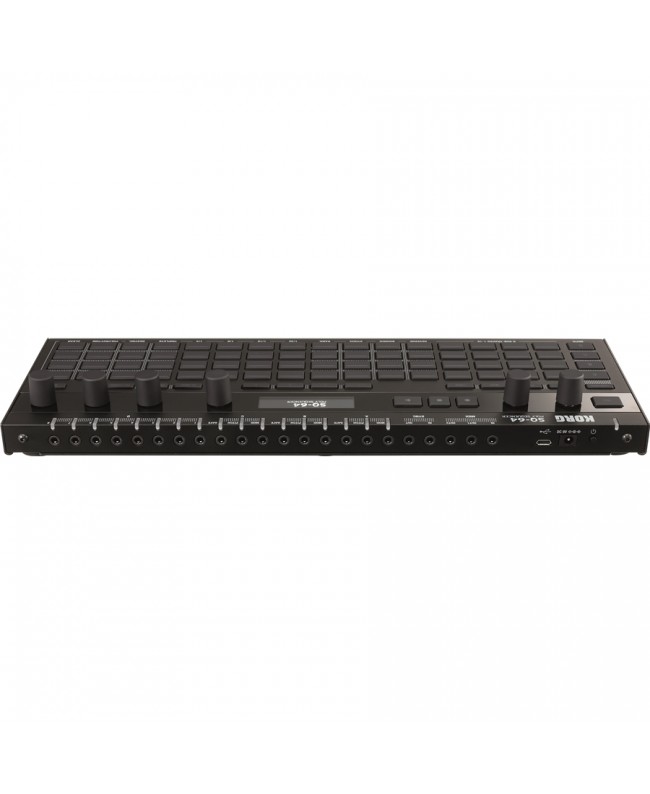
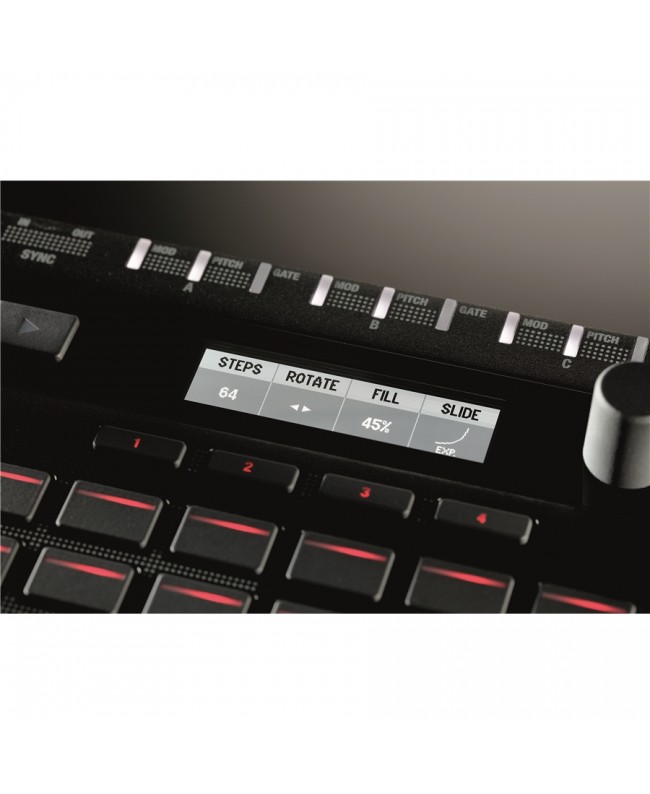
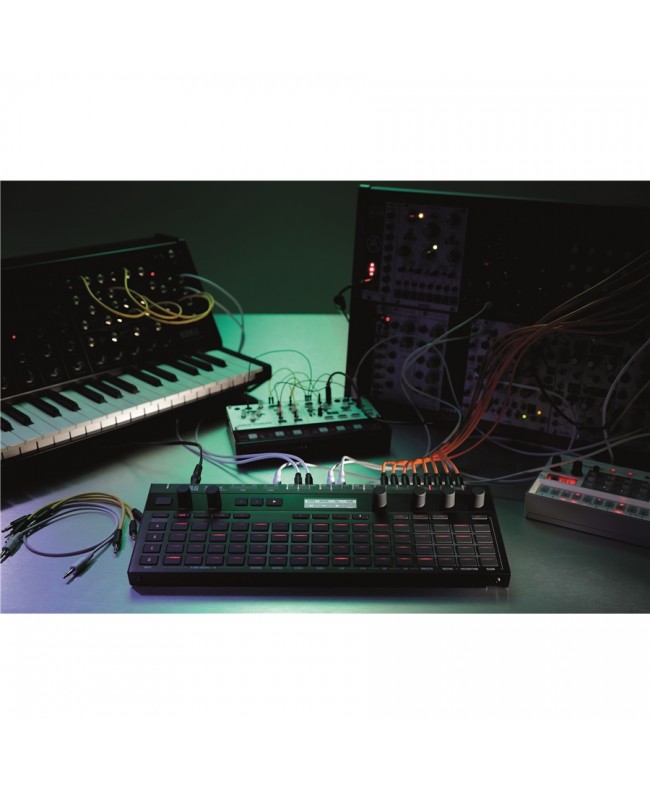
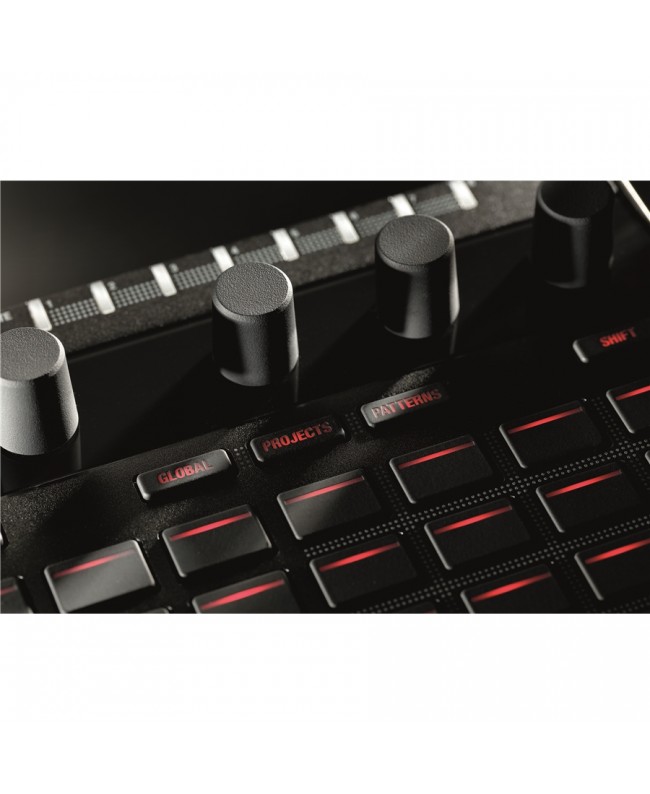
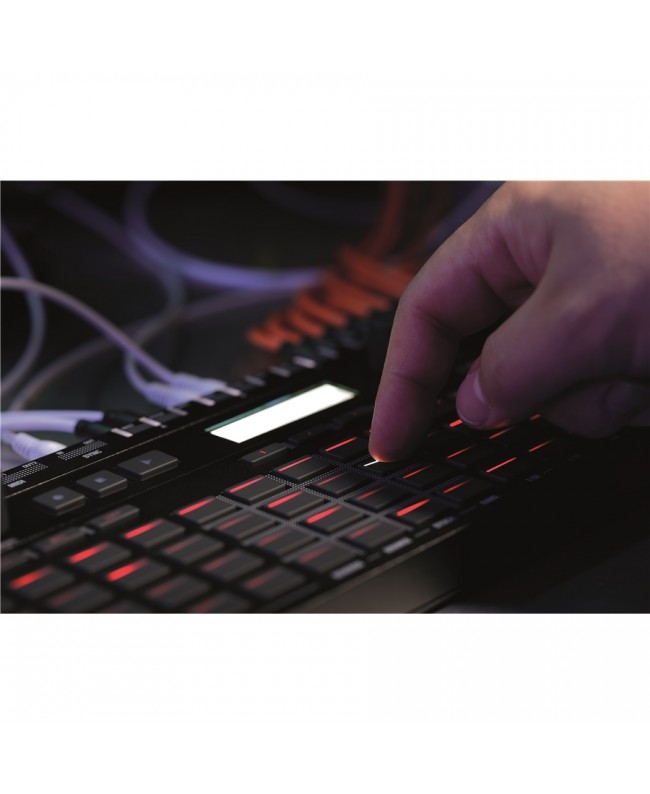
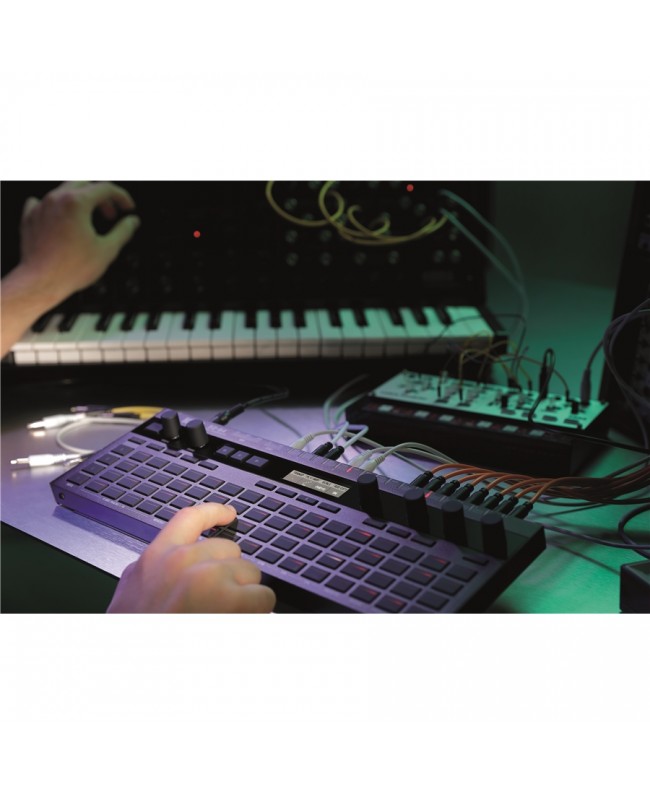

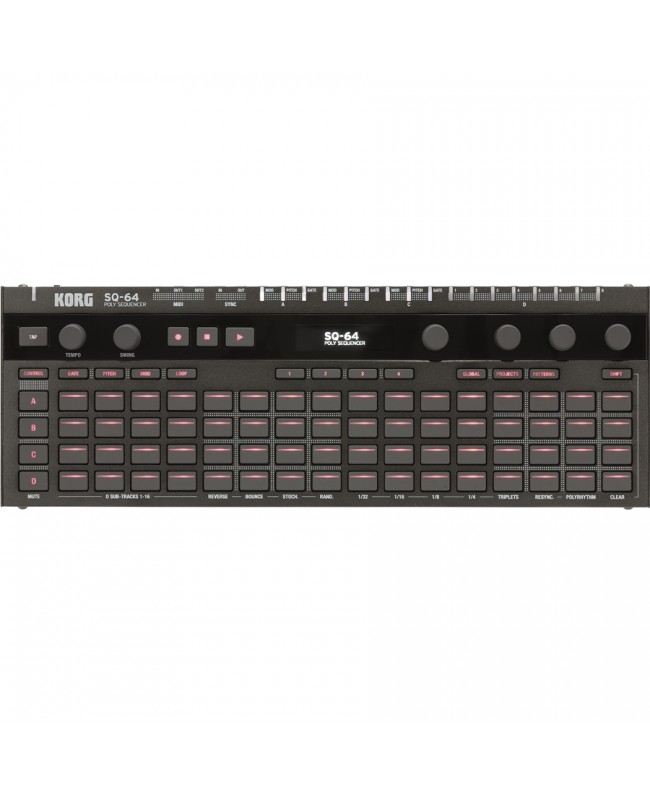
The Korg SQ-64 is a powerful and compact Polyphonic Step Sequencer packed with intuitive controls and editing features at your fingertips, designed to give you everything you need for the realization of your live or studio music project. With a matrix of 64 dedicated step pads, a highly intelligible OLED display, a sleek, durable aluminum body, and a wide range of connections, the Korg SQ-64 is the perfect solution for managing your hardware synthesizer setup simply and directly, leaving you to focus on what's most important to you: the music.
Korg SQ64 is a newly developed hardware sequencer with unprecedented connectivity and control designed to create, play and control 3 melody tracks and a drum using analog synths, Euroracks, drum machines, DAW software or virtual instrument plug-ins as sound sources. The 64-pad matrix can be configured in various operational modes to allow you to play and edit melodic patterns, rhythmic patterns, and control their respective modulation parameters.
Despite its compact size, the SQ-64 has a wide range of connections and allows you to control, connect and get the best out of your analog and digital hardware instruments. One MIDI IN, 2 MIDI OUT, micro USB (type B), Sync IN and OUT, 3 melody tracks each with separate MODULATION, PITCH and GATE outputs, and a DRUM track with 8 independent trigger outputs to control and manage analog synths, Euroracks and drum machines.
The 3 melody tracks provide you with 16 patterns of 64 steps each, while the Drum track offers 16 sub-tracks of 64 steps each, all of which can be played, concatenated, and edited in various modes. The tracks and patterns of the three melodic parts can be edited in various ways (GATE, PITCH and MODULATION) so that you can manage the information transmitted by your sequencer on each individual step. The polarity and voltage of the Drum track outputs are freely adjustable to match the values supported by your instruments. Sync In and Out connections allow you to synchronize and align all your Korg instruments (but not only): dai ) al, dal al, il and many more!
Regardless of the type of your instrument, whether it is an analog synth or a semi-modular Eurorack, a digital drum machine or the digital plug-ins in your DAW, the SQ-64 gives you immediate and precise control of all these elements of your setup. The Korg SQ64 has 64 LED-backlit pads that not only give you an overview of your sequence, but serve as direct controls along with potentiometers and mode buttons for a smooth user experience in which your composition, production and editing flows are greatly optimized. The illumination of each step has a variable gradation light: the higher the modulation value, the more powerful the button backlighting will be to give you constant visual feedback of what is happening in your sequence. The OLED display is bright, crystal clear, and visible from any angle, so you can have all the useful information at your fingertips in any situation: when you're making music at home, on stage, or in the recording studio. Melody tracks include a MODULATION output so that each step in your sequence can originate complex modulations, thus expanding the possibilities for sound creation and expressiveness of controlled instruments. It has never been easier to create patterns with polyphonic chords, melodies, complex polyrhythmic lines and modulations quickly by recording them as data within each of the 64 project slots of the powerful Korg SQ-64 sequencer.
In addition to allowing you to create your own sequences, the Korg SQ-64 puts various functions and editing modes at your fingertips to interact and play with all your instruments in real time. The 64-pad matrix can be used like a keyboard, with different layouts selectable to suit your playing needs. For each operating mode you can select the scale and other parameters. Keys: classic keyboard layout. Isomorphic: notes are arranged symmetrically on the 4 rows of pads; this allows you to play chords while keeping the intervals between individual notes unchanged when applying transposition. Octaves: a scale represented on 3 different octaves for each line.
With the powerful built-in arpeggiator you can quickly create catchy melodic patterns using your plug-in virtual instruments or analog and digital hardware synthesizers as sound sources. Experiment with the 4 alternative methods of sequence playback: Reverse, Bounce, Random and Stochastic. These are independently selectable on each individual track. All your patterns can be concatenated and loopped: truly an indispensable tool for your live performances!
Despite its wealth of features, controls and connections, the SQ-64 is super compact at only 18mm thick (38mm if we include the potentiometers) and with a sturdy and stylish aluminum body: ready to follow you for years on your musical adventures. Confirming the versatility and flexibility offered by this instrument we find the power supply that can be provided via USB or via a 9V DC power adapter, the, the ).
Specific References
On sale

In Stock
Out of Stock

Out of Stock
bestseller
In Stock
In Stock
Out of Stock
In Stock

Available upon request
In Stock